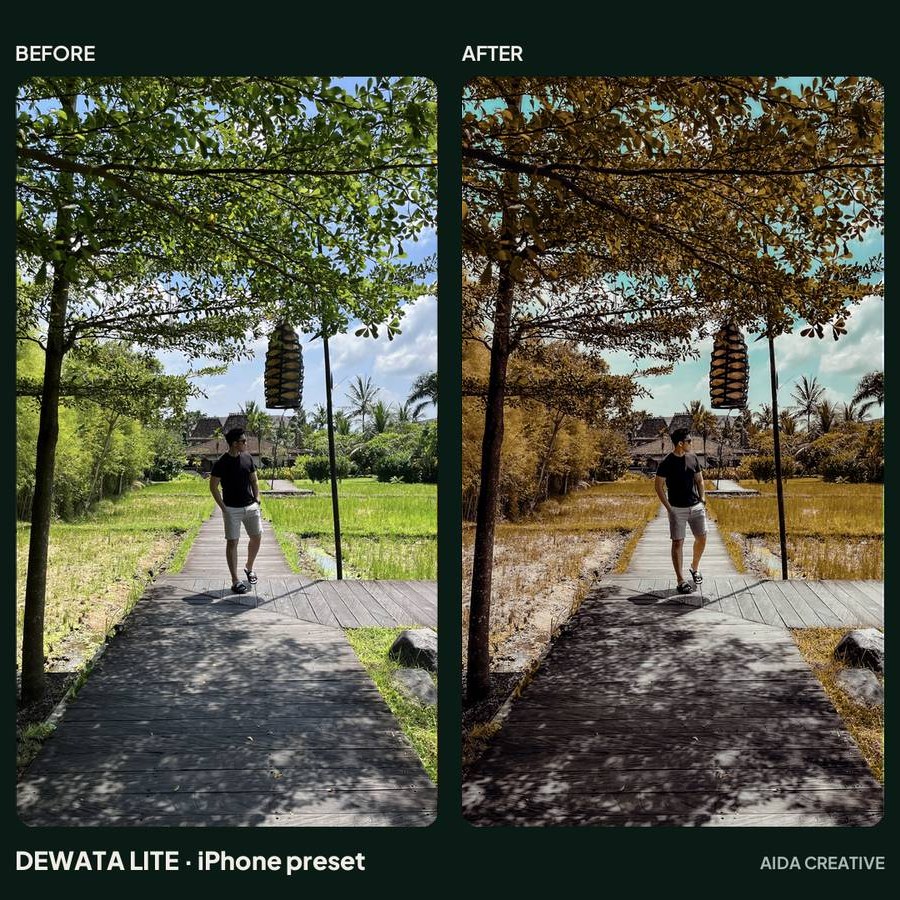
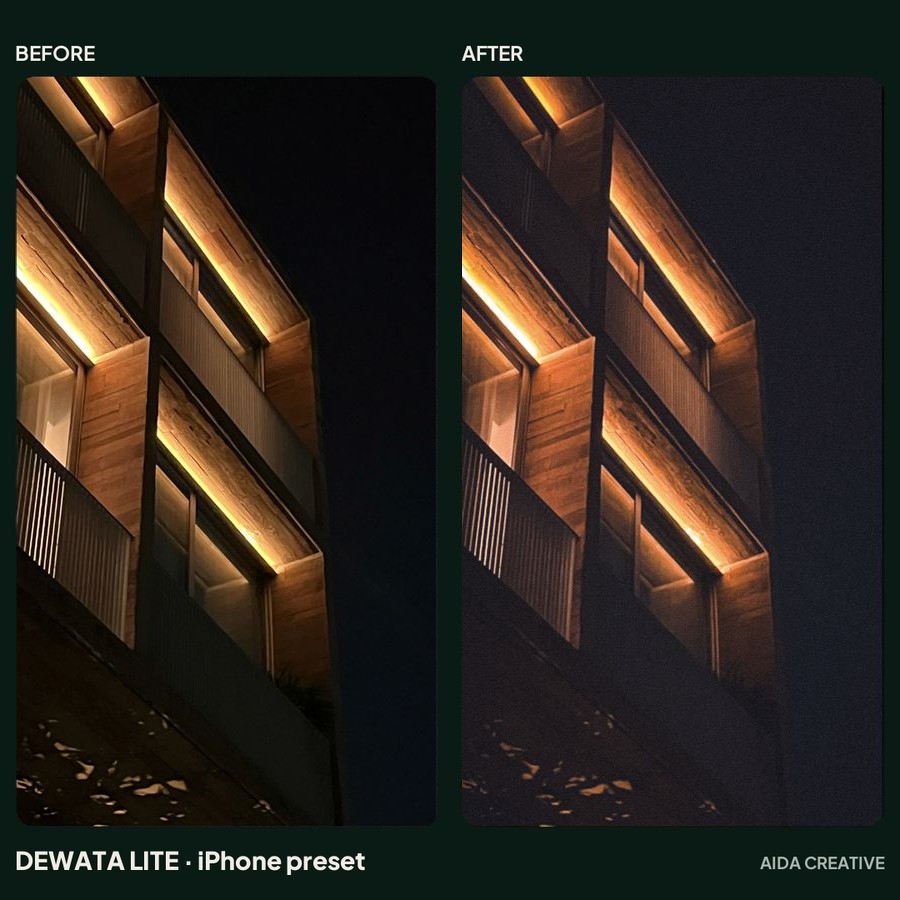
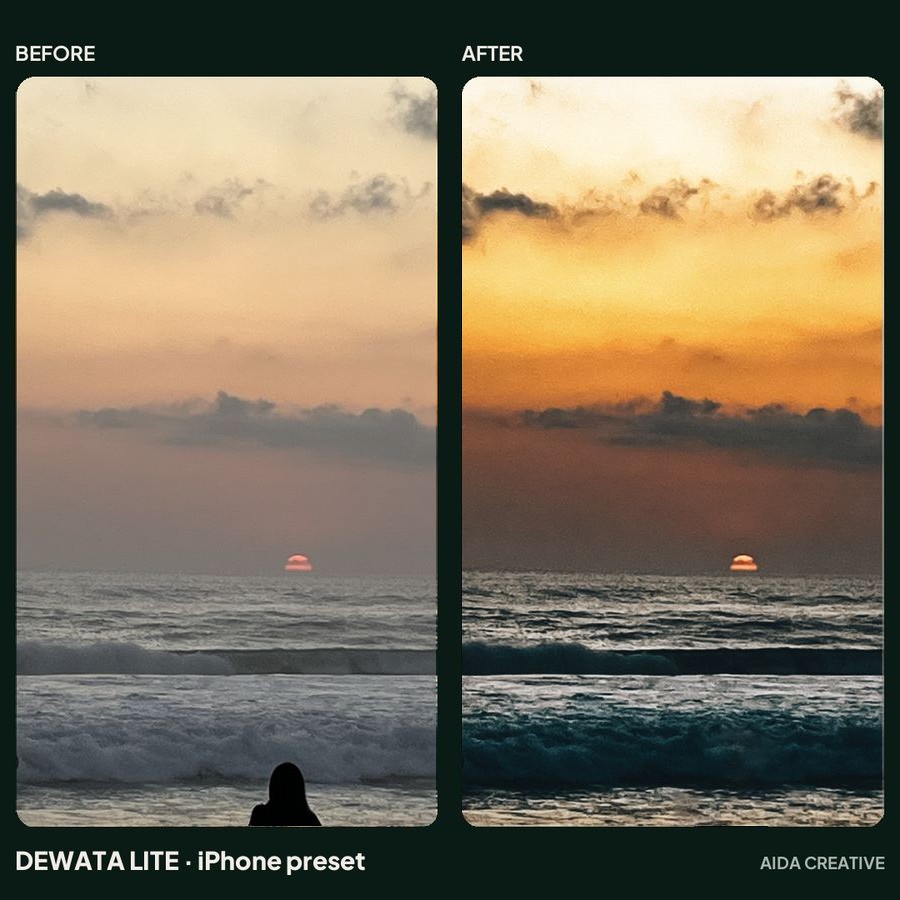
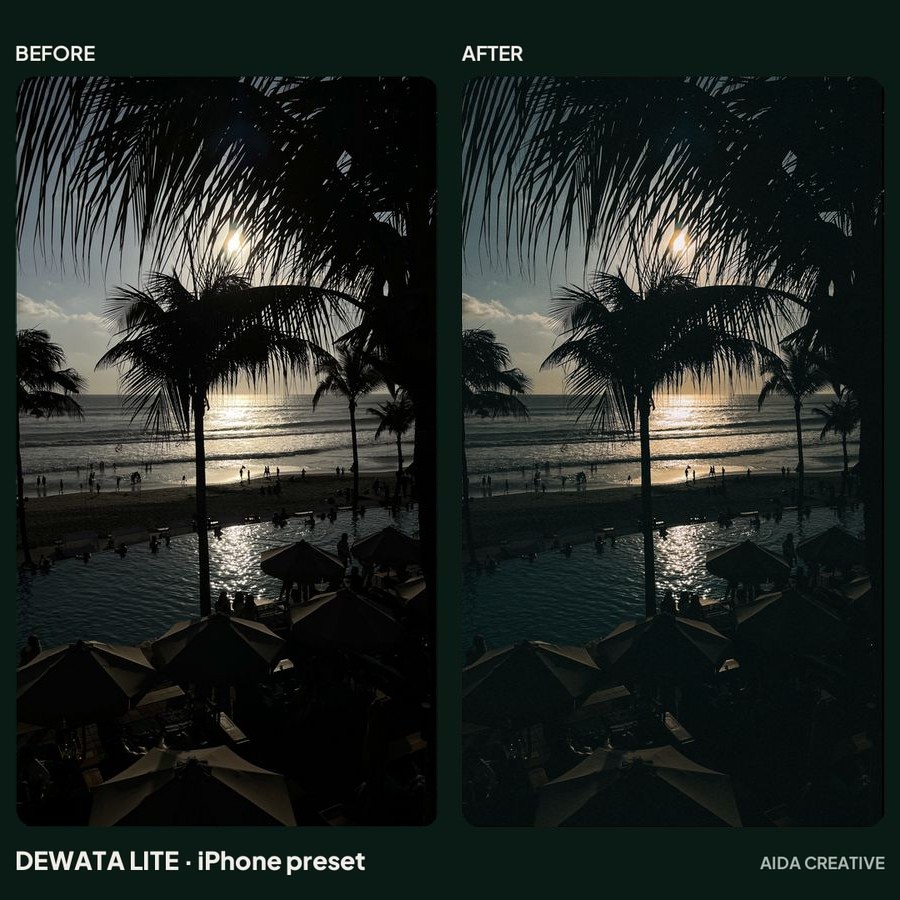
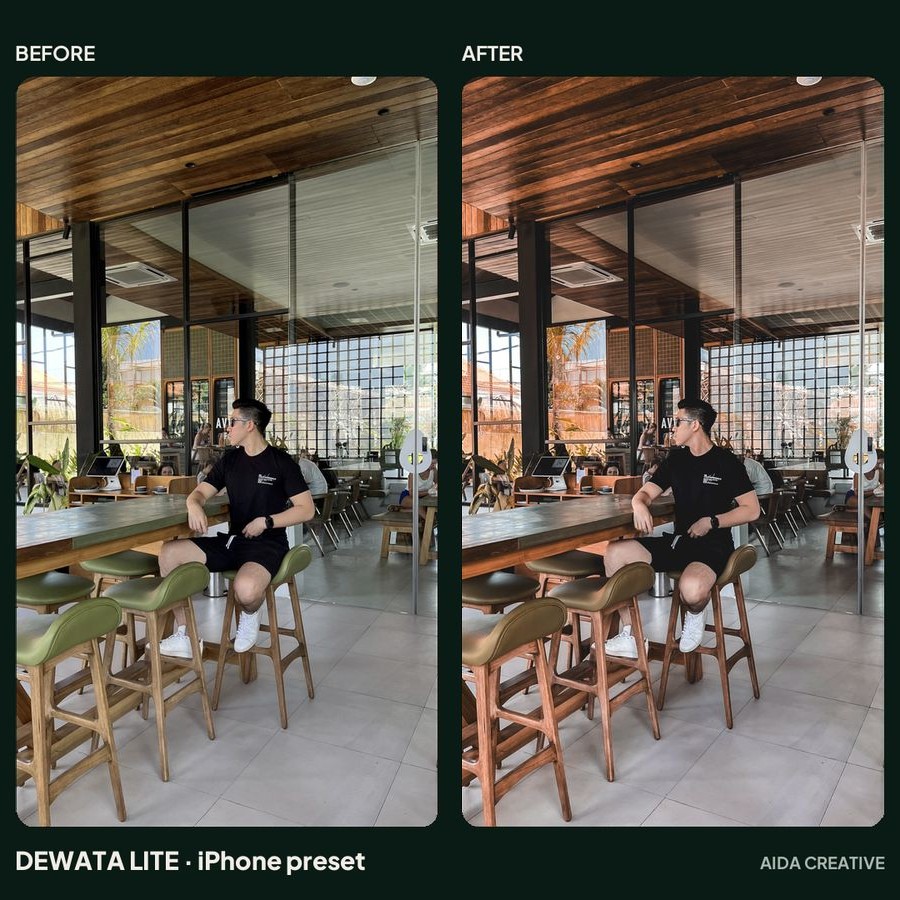
iPhone presetPreset iPhone
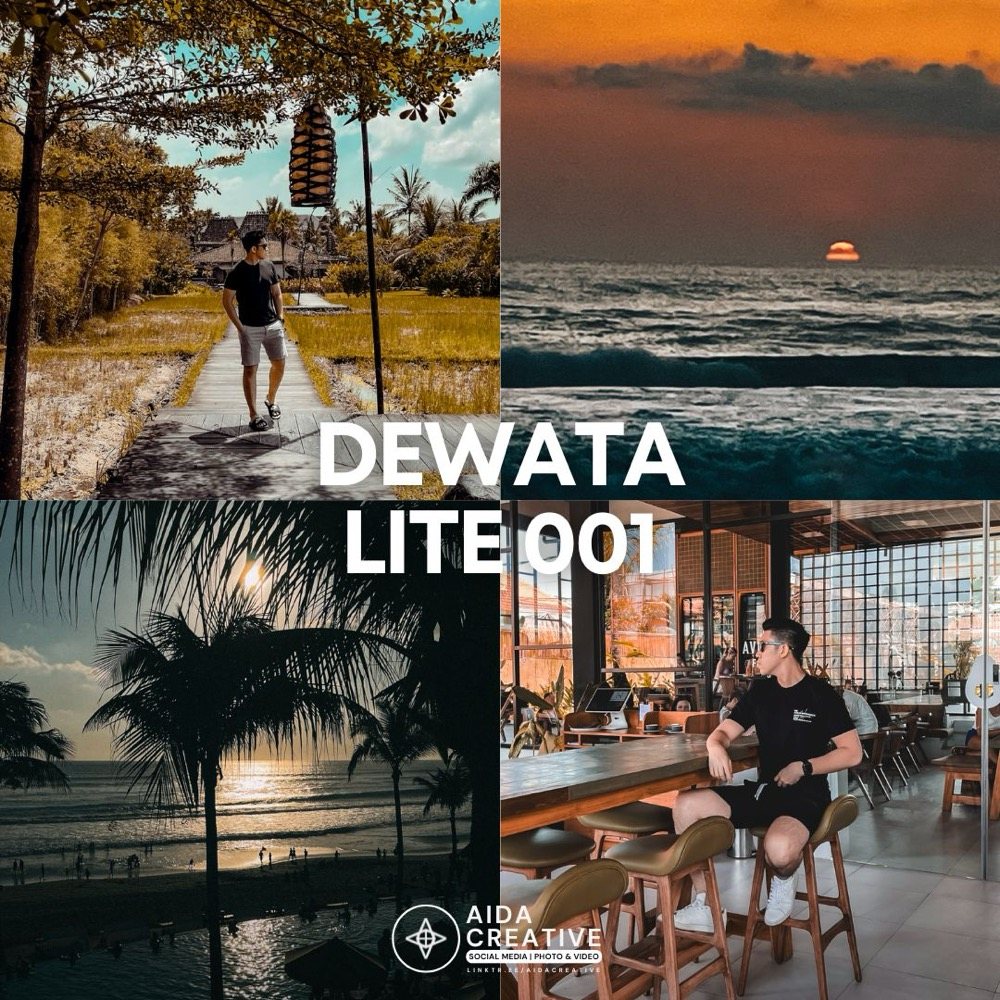
Dewata Lite 001
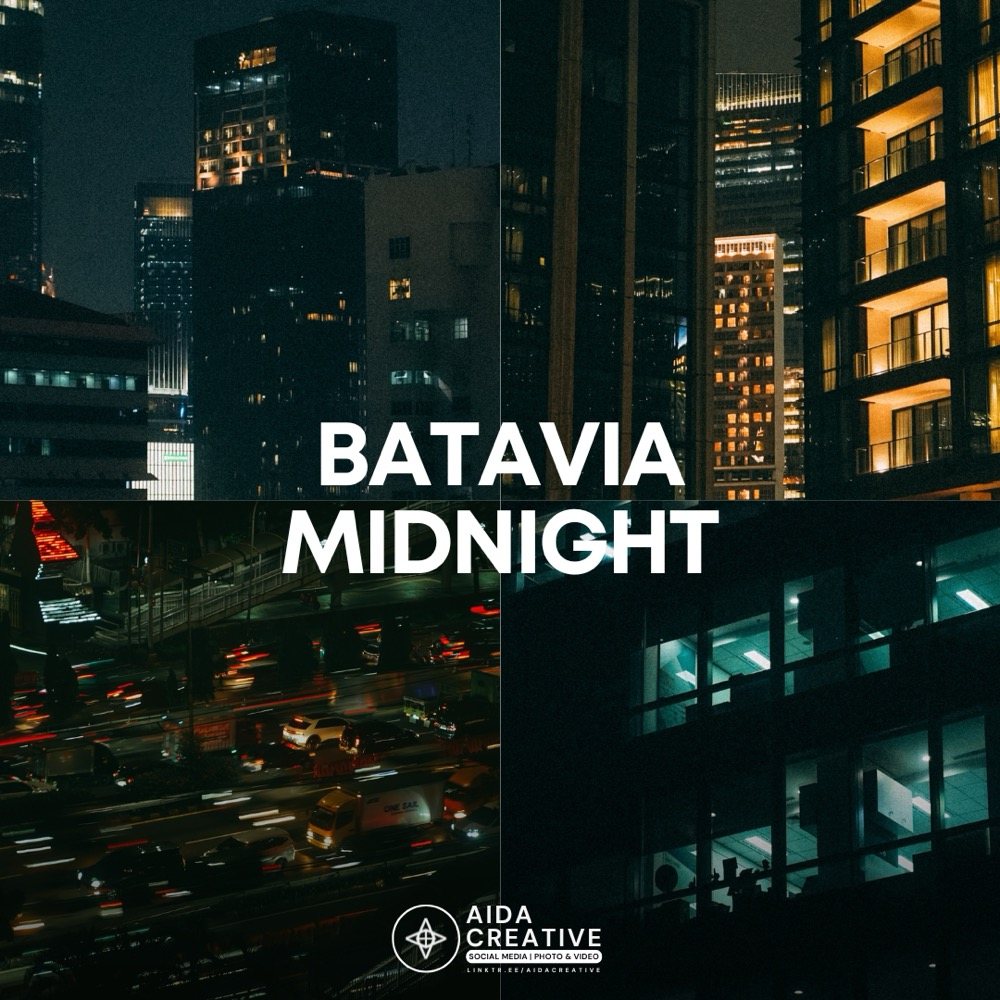
Warm tropical Bali tones: golden hour, sunsets, beach clubs and cafés. Made for photos taken on an iPhone.Nuansa tropis Bali yang hangat: golden hour, sunset, beach club, dan kafe. Dibuat untuk foto yang diambil dengan iPhone.
Rp 49.000
Buy nowBeli sekarang
Checkout and instant download on Lynk.id.Pembayaran dan unduhan instan lewat Lynk.id.
What you getYang Anda dapatkan
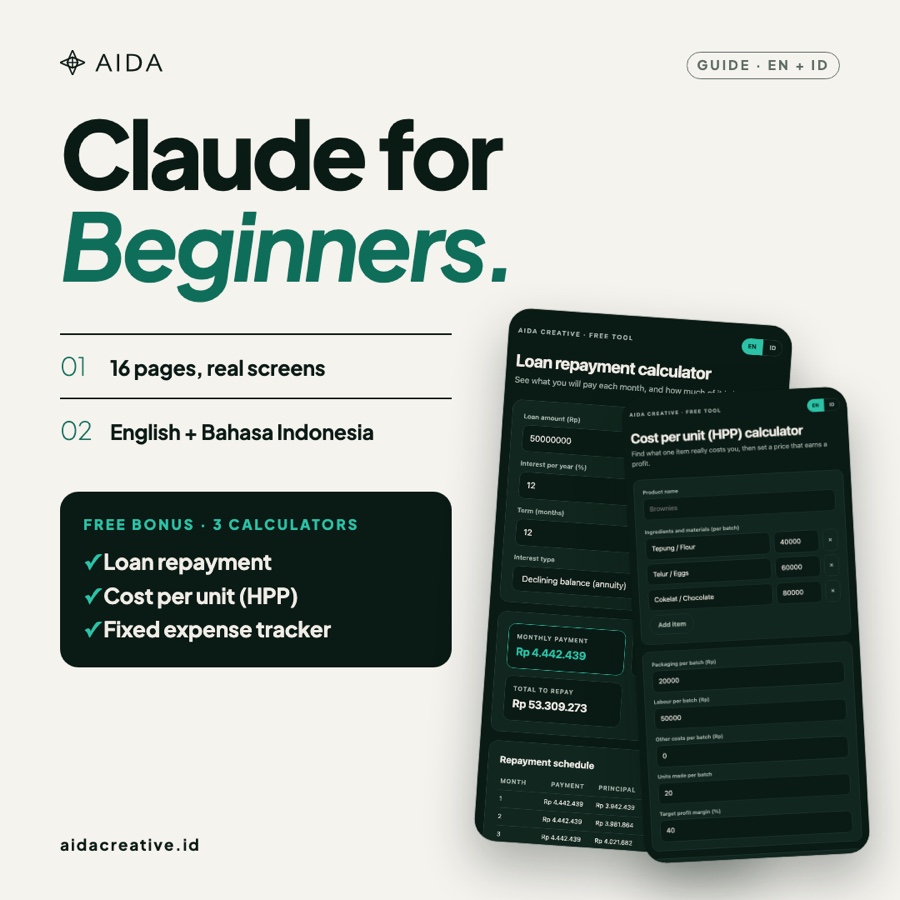
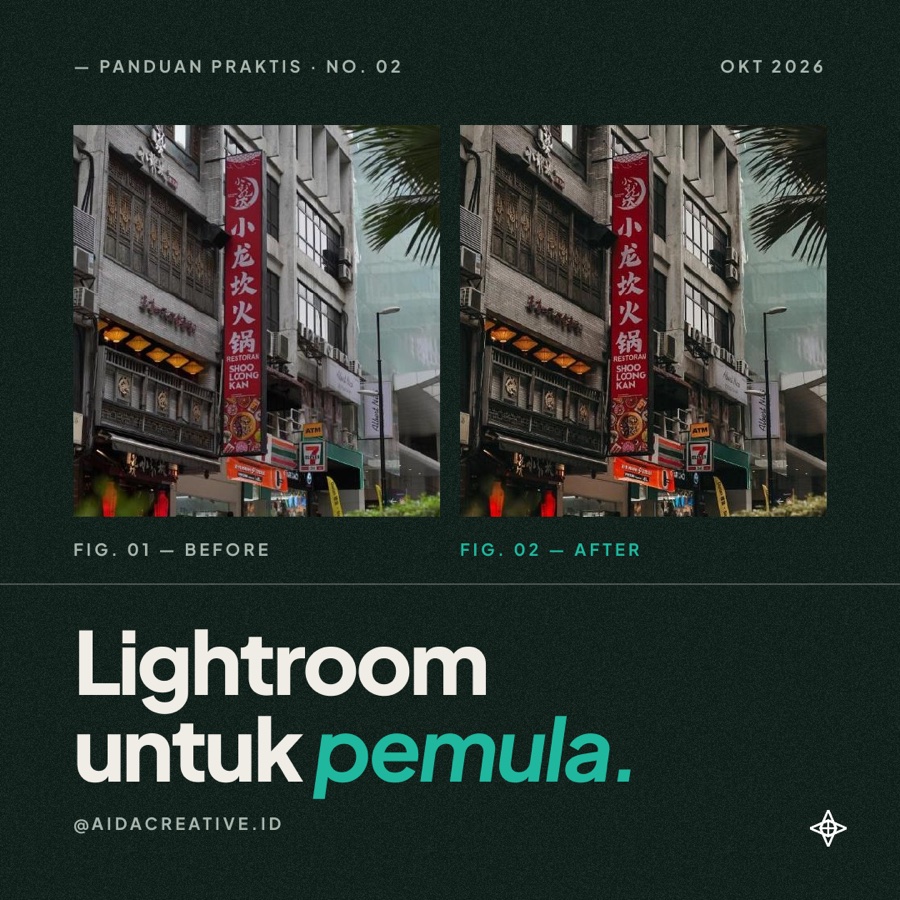
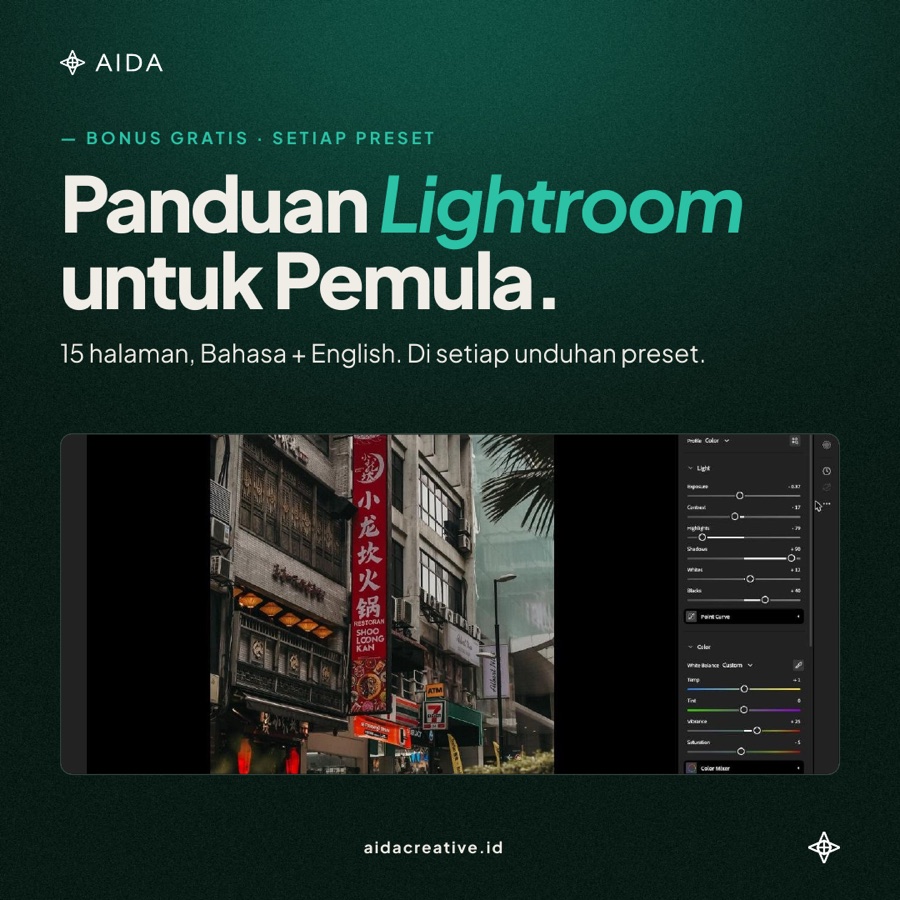
- Free bonus: Lightroom for Beginners guide, 15 pages, in Bahasa Indonesia and English (PDF)Bonus gratis: panduan Lightroom untuk Pemula, 15 halaman, Bahasa Indonesia dan English (PDF)
- 5 preset looks as DNG files5 look preset dalam file DNG
- Made for iPhone photosDibuat untuk foto iPhone
- Works in Lightroom MobileBisa dipakai di Lightroom Mobile
How to installCara memasang
- Download the DNG files after you buy.Unduh file DNG setelah membeli.
- Open Lightroom Mobile and tap the + button.Buka Lightroom Mobile, lalu ketuk tombol +.
- Choose From Files and open the DNG.Pilih From Files, lalu buka file DNG.
- Tap the three dots, then Create Preset.Ketuk tiga titik, lalu Create Preset.
- Repeat for each look you want to keep.Ulangi untuk setiap look yang ingin Anda simpan.
How to useCara menggunakan
- Open a photo in Lightroom and tap Presets.Buka foto di Lightroom, lalu ketuk Presets.
- Pick the look and apply it to your photo.Pilih look-nya dan terapkan ke foto Anda.
- Fine-tune white balance and exposure to match your light.Sesuaikan white balance dan exposure agar cocok dengan cahaya foto Anda.
Good to knowPerlu diketahui
Tuned for iPhone photos. Photos from other cameras can look different, so adjust white balance and exposure after applying.Disetel untuk foto iPhone. Foto dari kamera lain bisa tampil berbeda, jadi sesuaikan white balance dan exposure setelah menerapkan preset.
Rp 49.000
Buy nowBeli sekarang